.png)
Custom reports
Purpose
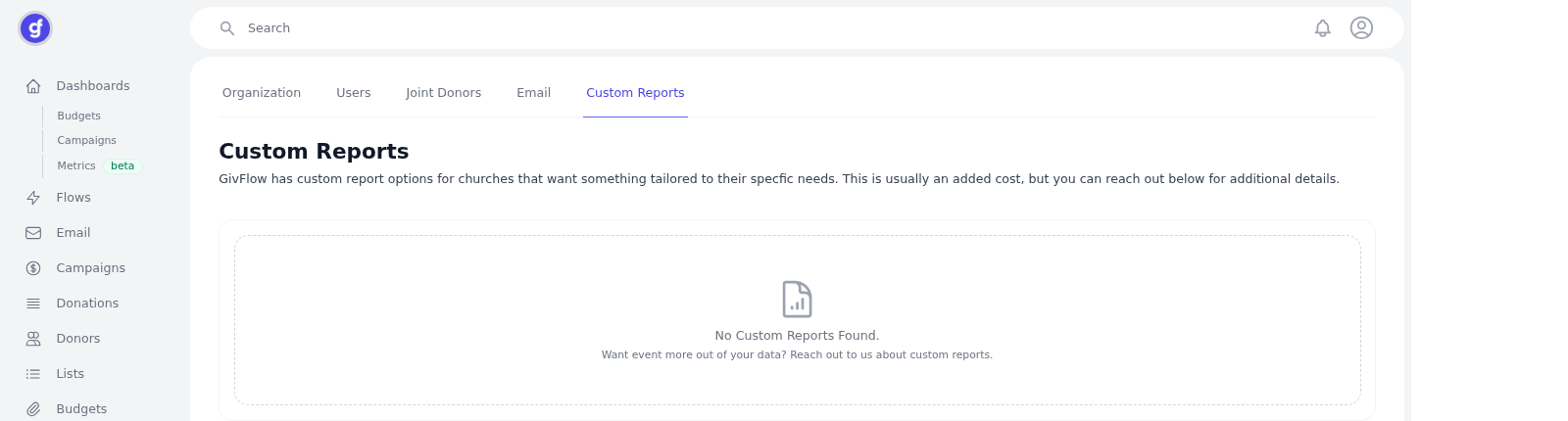
Settings > Custom Reports (/settings/reports ) is where GivFlow would show reports built for your church. It is not a self-serve report builder in the captured view.
If you're interested in a custom report, reach out to support@givflow.com.
.
How to
- In the left sidebar, click Settings.
- Open the Custom Reports tab (tabs: Organization, Users, Joint Donors, Email, Custom Reports).