.png)
Recurring donations
Purpose
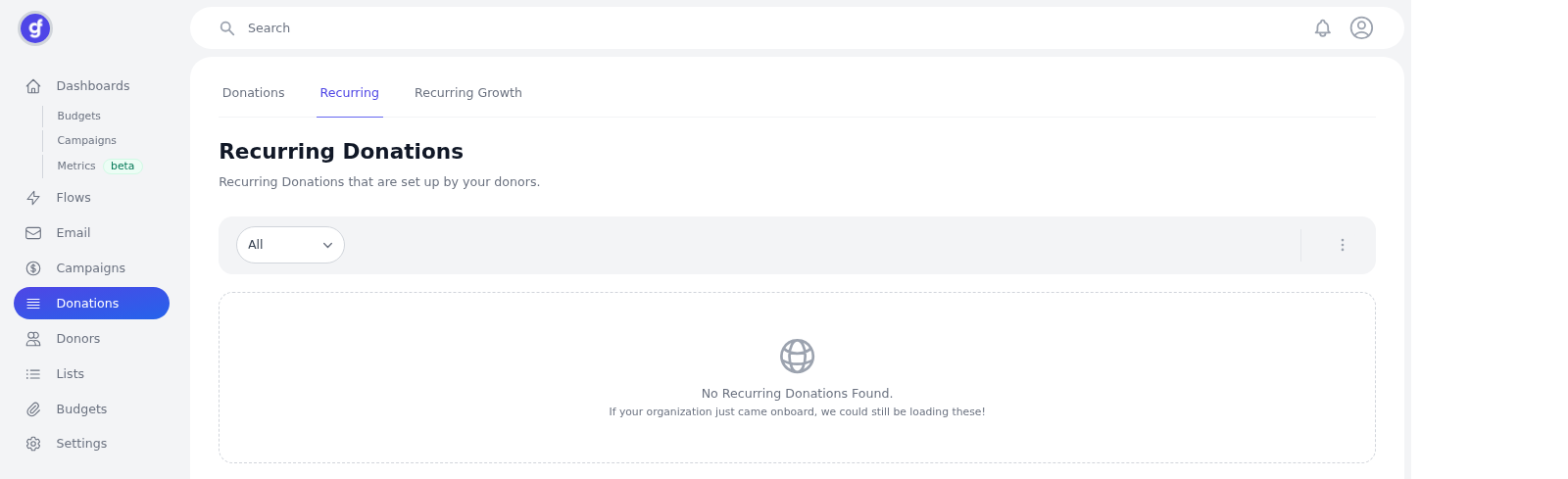
Donations > Recurring is the list of Recurring Donations — gifts your donors have set up to repeat. The page subtitle: Recurring Donations that are set up by your donors.
How to
- In the left sidebar, click Donations.
- Open the Recurring tab (tabs: Donations, Recurring, Recurring Growth).
- Confirm the heading Recurring Donations.
- Use the status filter (captured on All). Options from this: All, Active, Cancelled, Hold.
For who is already recurring vs who is not, use Recurring growth.